TLKey Takeaway
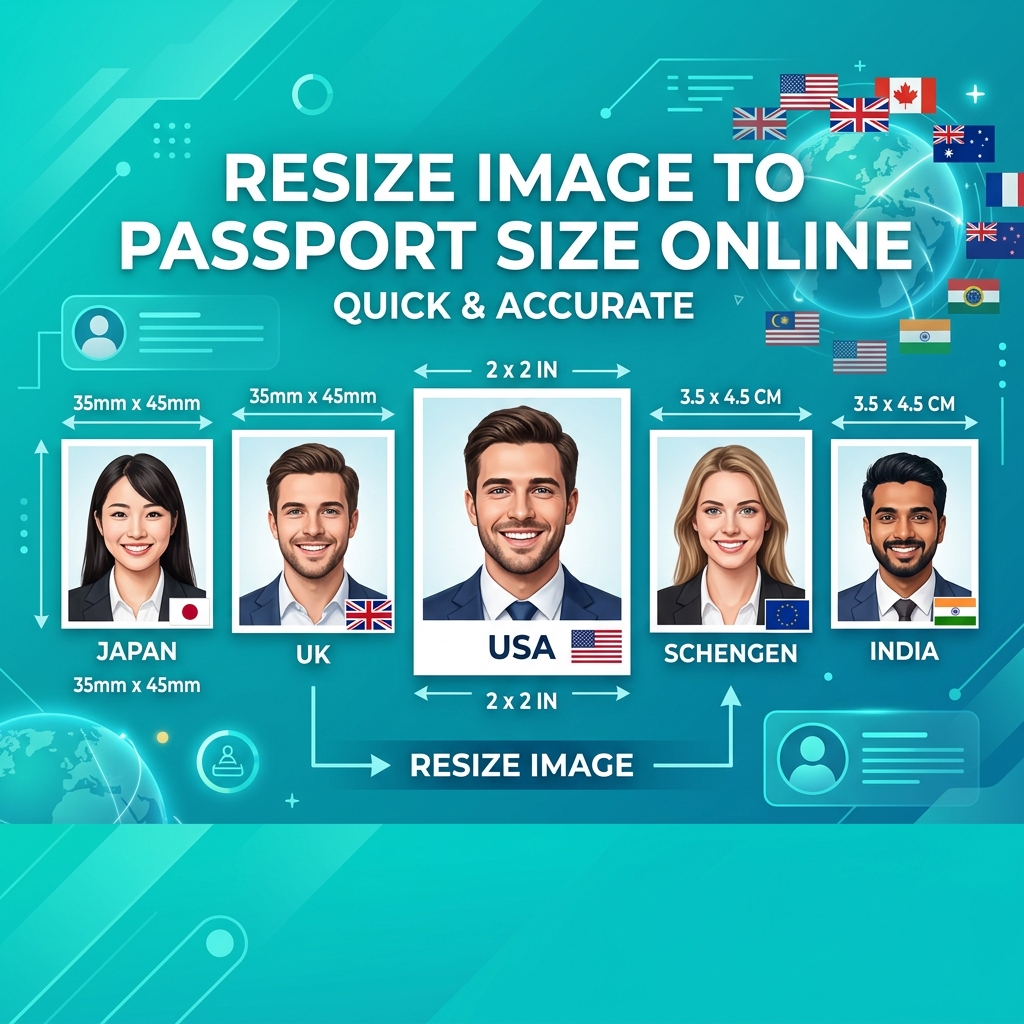
Standard passport photo dimensions are 3.5 × 4.5 cm (35 × 45 mm) for most countries. Crop your photo with a 7:9 aspect ratio, resize to 413 × 531 pixels at 300 DPI, and compress to under 300 KB in JPEG format for online submission.
Passport Photo Sizes by Country
| Country | Physical Size | Pixels (300 DPI) | Online Upload |
|---|---|---|---|
| 🇮🇳 India | 3.5 × 4.5 cm | 413 × 531 px | 350 × 350 px |
| 🇺🇸 USA | 2 × 2 inches | 600 × 600 px | 600 × 600 px |
| 🇬🇧 UK | 3.5 × 4.5 cm | 413 × 531 px | 600 × 750 px |
| 🇨🇦 Canada | 5 × 7 cm | 591 × 827 px | 420 × 540 px |
| 🇦🇺 Australia | 3.5 × 4.5 cm | 413 × 531 px | 413 × 531 px |
How to Resize — Step by Step
- Open minifypic.com/passport-photo
- Upload your photo
- Select your country from 15+ presets
- Position the crop frame — face should fill 70-80% of height
- Download the passport-ready photo
Alternative manual method:
- Crop with Image Cropper
- Resize with Image Resizer to exact pixels
- Compress with Compress to Size
Getting the Right Crop
- Top of head: 3-5mm from top edge
- Face coverage: 70-80% of frame height
- Both ears visible
- Neutral expression, mouth closed
- Plain white background
FAQ
Q: What is passport photo size in pixels? A: Depends on country. India: 350×350 px (online). USA: 600×600 px. UK: 600×750 px.
Q: Can I convert a selfie into a passport photo? A: Yes, if lighting and background are acceptable. Use the Passport Photo Maker.
Q: Is this tool free? A: Yes, 100% free with no limits.