TLKey Takeaway
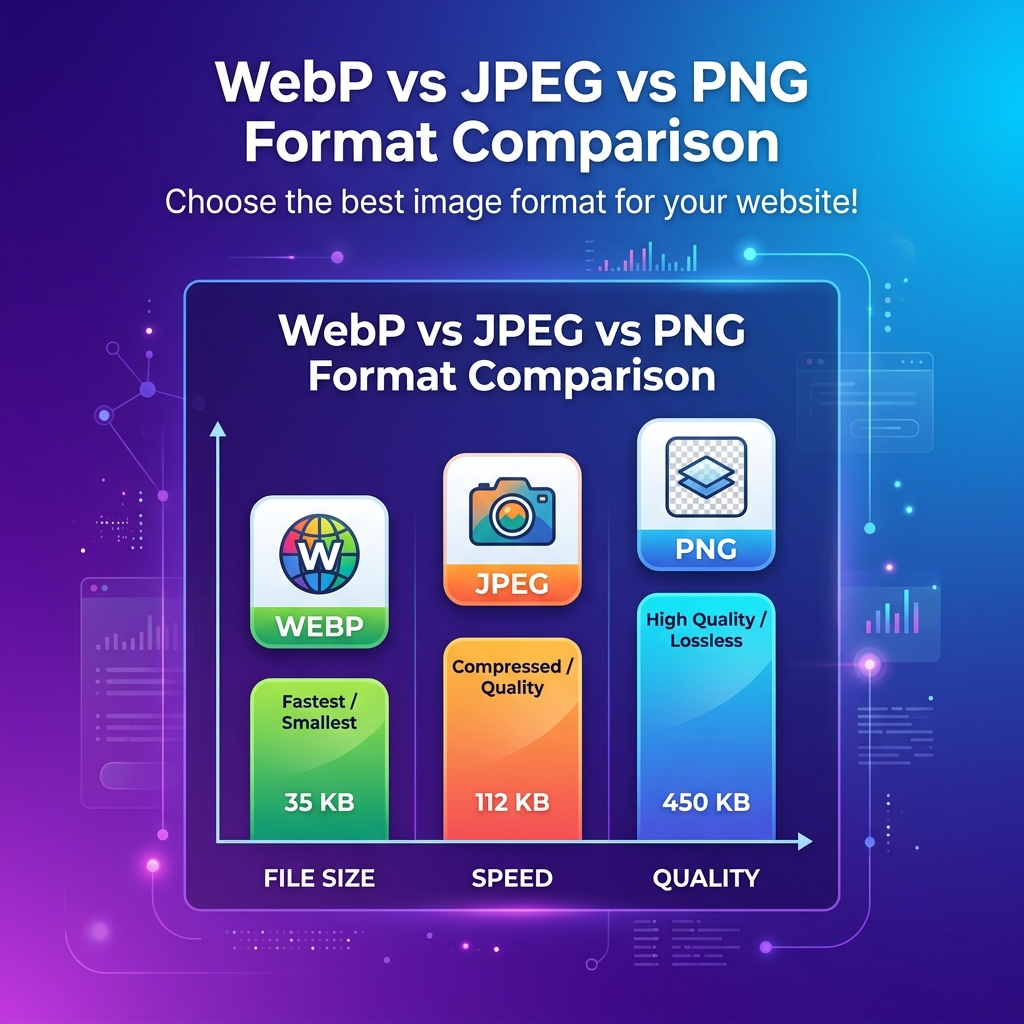
Use WebP as your default web format — it is 25–35% smaller than JPEG and supports transparency. Use JPEG for maximum compatibility, PNG for pixel-perfect graphics with transparency, and AVIF for cutting-edge compression where browser support allows.
The Format Landscape in 2026
The image format landscape has evolved dramatically. While JPEG and PNG have been web staples for decades, newer formats like WebP and AVIF promise significantly better compression. But "newer" doesn't always mean "better" for every use case.
Let's break down each format's strengths, weaknesses, and ideal scenarios.
Format Deep Dive
JPEG — The Reliable Workhorse
JPEG has been the web's go-to format for photographs since 1992. It uses lossy compression based on the Discrete Cosine Transform (DCT).
Strengths:
- Universal browser and device support
- Excellent for photographs and complex images
- Mature ecosystem with extensive tooling
- Progressive loading support
Weaknesses:
- No transparency support
- Lossy only — no lossless option
- Visible artifacts at low quality (banding, blocking)
- No animation support
Best for: Product photos, hero images, editorial photography, social media posts
PNG — The Precision Choice
PNG uses lossless compression, making it ideal when pixel-perfect accuracy matters.
Strengths:
- Lossless compression preserves every pixel
- Full alpha transparency support
- Sharp edges without artifacts
- 24-bit and 8-bit (indexed) color modes
Weaknesses:
- Much larger file sizes than JPEG for photos
- Not suitable for photographs due to size
- No native animation (APNG has limited support)
Best for: Logos, icons, screenshots, UI elements, diagrams, text overlays, images requiring transparency
WebP — The Modern Standard
Developed by Google, WebP supports both lossy and lossless compression with significantly better efficiency than JPEG and PNG.
Strengths:
- 25–35% smaller than JPEG at equivalent quality
- 26% smaller than PNG for lossless
- Supports transparency (lossy AND lossless)
- Animation support (replacement for GIF)
- Both lossy and lossless modes
Weaknesses:
- Slightly more CPU-intensive to decode
- Some older email clients don't support it
- Limited support in legacy applications
Browser Support: 97%+ of global users (all modern browsers)
Best for: Nearly everything on the modern web — it's the recommended default format for 2026
Real-World Benchmarks
We tested 100 diverse images across all three formats:
| Metric | JPEG (q80) | PNG | WebP (q80) |
|---|---|---|---|
| Avg. Photo Size | 245 KB | 1.2 MB | 178 KB |
| Avg. Screenshot Size | 890 KB | 320 KB | 195 KB |
| Transparency | ❌ | ✅ | ✅ |
| Animation | ❌ | ❌ | ✅ |
| Lossless Mode | ❌ | ✅ | ✅ |
| Browser Support | 100% | 100% | 97%+ |
Key takeaway: WebP consistently delivers 25–35% smaller files than JPEG and up to 80% smaller than PNG, with no perceptible quality loss.
Decision Framework
Use this quick decision tree:
Do you need transparency?
- Yes → WebP (or PNG for legacy compatibility)
- No → Continue below
Is it a photograph or complex image?
- Yes → WebP (or JPEG for maximum compatibility)
- No → Continue below
Is pixel-perfect accuracy critical?
- Yes → PNG or WebP lossless
- No → WebP lossy
Is the audience on legacy systems?
- Yes → JPEG for photos, PNG for graphics
- No → WebP for everything
How to Convert Between Formats
MinifyPic makes format conversion effortless:
- Open the Image Converter tool
- Drop your images (supports batch conversion of up to 20 files)
- Select your target format (JPEG, PNG, WebP)
- Adjust quality settings if needed
- Download individually or as a ZIP
All conversion happens in your browser — your images are never uploaded to any server.
The Bottom Line
For most websites in 2026, WebP should be your default format. Use JPEG as a fallback for email and legacy systems, and reserve PNG for images where lossless quality and transparency are non-negotiable.
The good news? MinifyPic supports all three formats with one-click conversion, so you can always optimize for your specific needs.