TLKey Takeaway
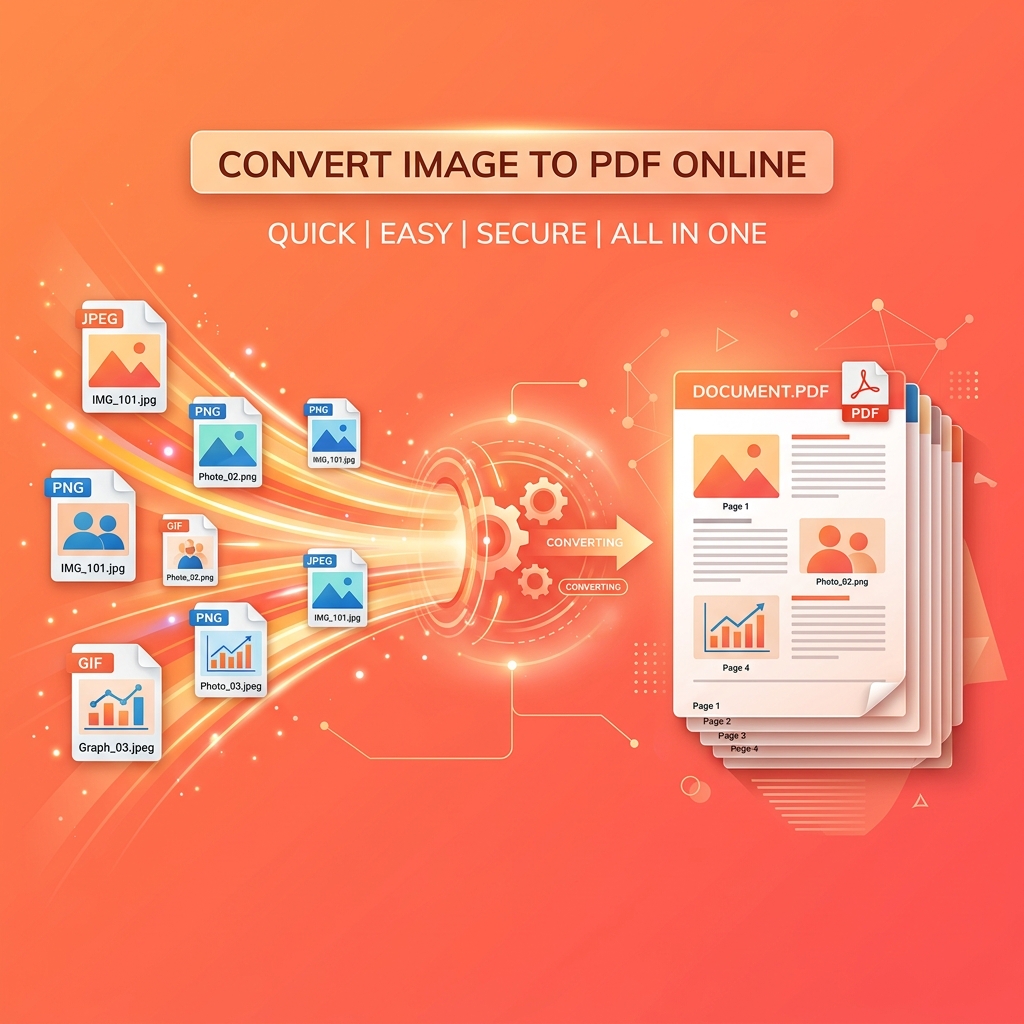
To convert images to PDF, upload one or more images, arrange them in the desired page order, and export as a single PDF document. For multi-page PDFs, batch upload all images at once. Browser-based tools process files locally for privacy.
Why Convert Images to PDF?
- Document submission — Government portals and employers require PDF
- Combining scans — Multiple page scans into one file
- Preserving layout — PDF maintains exact formatting everywhere
- Easy sharing — One file instead of 20 separate images
- Professional presentation — PDFs look more professional
Convert a Single Image to PDF
- Open minifypic.com/pdf-tool
- Upload your image (JPEG, PNG, WebP)
- Choose page size: A4, Letter, or Fit to Image
- Set margins if needed
- Download your PDF
Convert Multiple Images to One PDF
- Upload all images at once (up to 20)
- Drag to reorder pages in the preview
- Set page size and margins
- Download a single PDF with all images as pages
Great for: Scanned documents, photo albums, multi-page submissions, receipt archiving.
Optimizing Quality
For scanned documents: Scan at 300 DPI, compress images with Image Compressor before converting.
For government submissions: Compress images to 200-300KB each before combining. Use PDF Compress for further reduction.
For student assignments: Photograph each page, upload all, arrange in order, download as one PDF.
FAQ
Q: How many images can I combine? A: Up to 20 per PDF. For more, create multiple PDFs and merge them.
Q: Can I reorder pages? A: Yes. Drag and drop to rearrange before converting.
Q: Are my images safe? A: Yes. Everything runs in your browser. No uploads.