TLKey Takeaway
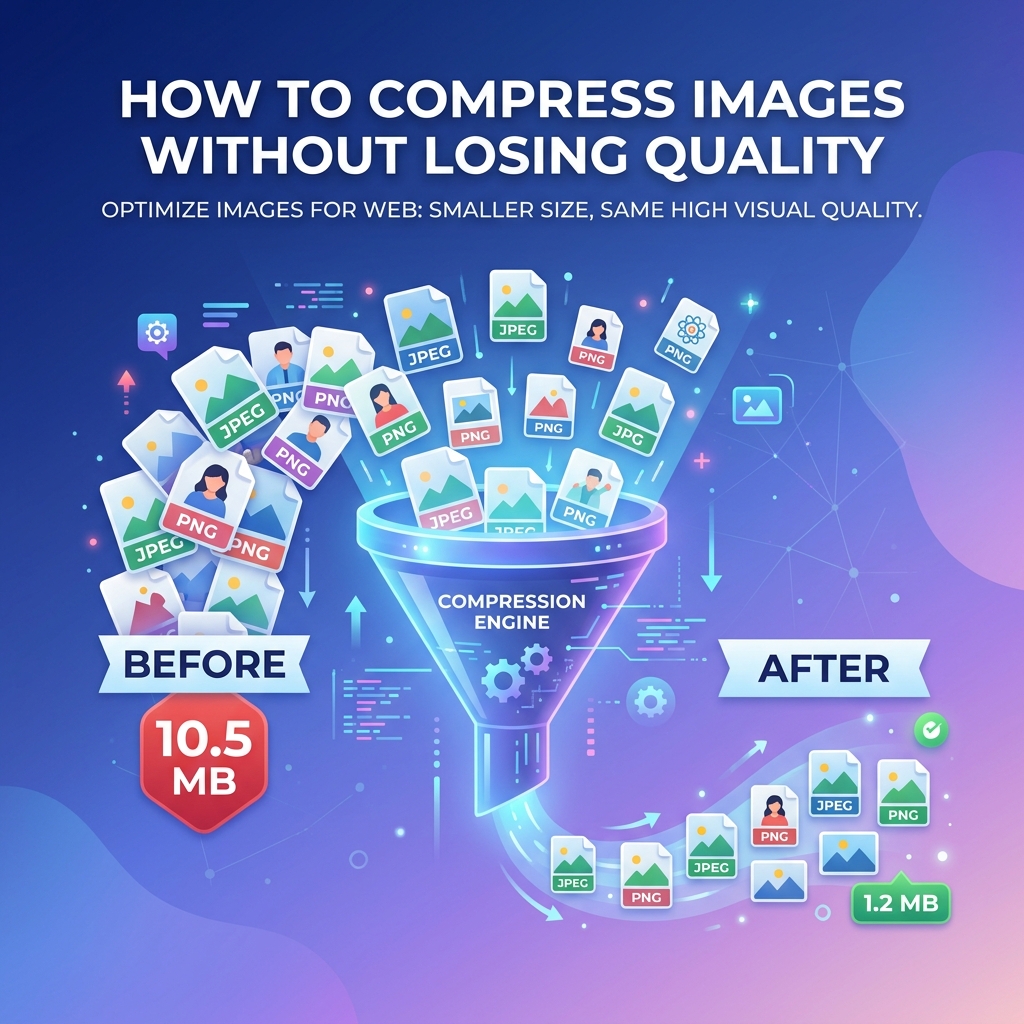
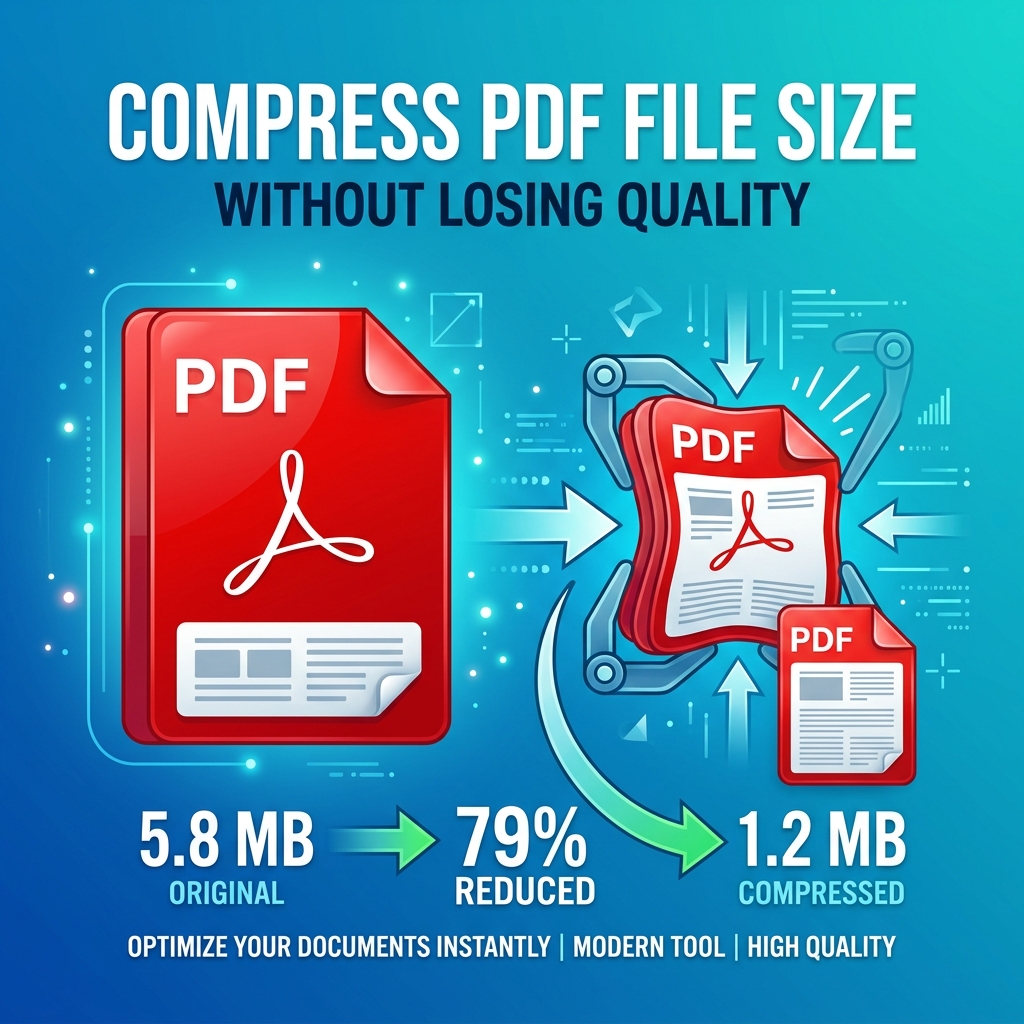
PDF file sizes are dominated by embedded images. To compress a PDF effectively, reduce image resolution to 150 DPI for screen viewing (300 DPI for print), use JPEG compression for photographs inside the PDF, and remove unused fonts and metadata.
Why Are PDF Files So Large?
| Content Type | Impact on Size |
|---|---|
| Embedded images | ðŸ"´ Massive |
| Scanned pages | ðŸ"´ Very large |
| Embedded fonts | 🟡 Moderate |
| Vector graphics | 🟢 Small |
| Text content | 🟢 Very small |
The number one culprit? Images. A PDF full of high-resolution photos can be 10-100x larger than text-only.
How to Compress PDF Online
- Open minifypic.com/pdf-compress
- Upload your PDF
- Choose compression level: Light (20-40%), Medium (40-60%), Strong (60-80%)
- Download the compressed PDF
Privacy: Your PDF never leaves your device.
Compression Results
| PDF Type | Original | Compressed | Reduction |
|---|---|---|---|
| Text-only report (50 pages) | 2.1 MB | 0.8 MB | 62% |
| Image-heavy brochure (12 pages) | 28 MB | 5.4 MB | 81% |
| Scanned document (20 pages) | 45 MB | 8.2 MB | 82% |
| Resume with photo (2 pages) | 3.5 MB | 0.6 MB | 83% |
Tips for Maximum Compression
1. Compress images before creating the PDF — Use the Image Compressor first, then Image to PDF.
2. Use "Medium" for most purposes — Best balance between size and quality.
3. Split large PDFs first — Use PDF Split to isolate image-heavy sections.
4. Remove unnecessary pages — Fewer pages = smaller file.
FAQ
Q: Does compressing a PDF reduce quality? A: Text is not affected. Image quality may be slightly reduced at "Strong" compression.
Q: Can I compress a scanned PDF? A: Yes, and scanned PDFs benefit the most from compression.
Q: Are my PDFs safe? A: Yes. MinifyPic compresses PDFs entirely in your browser.