TLKey Takeaway
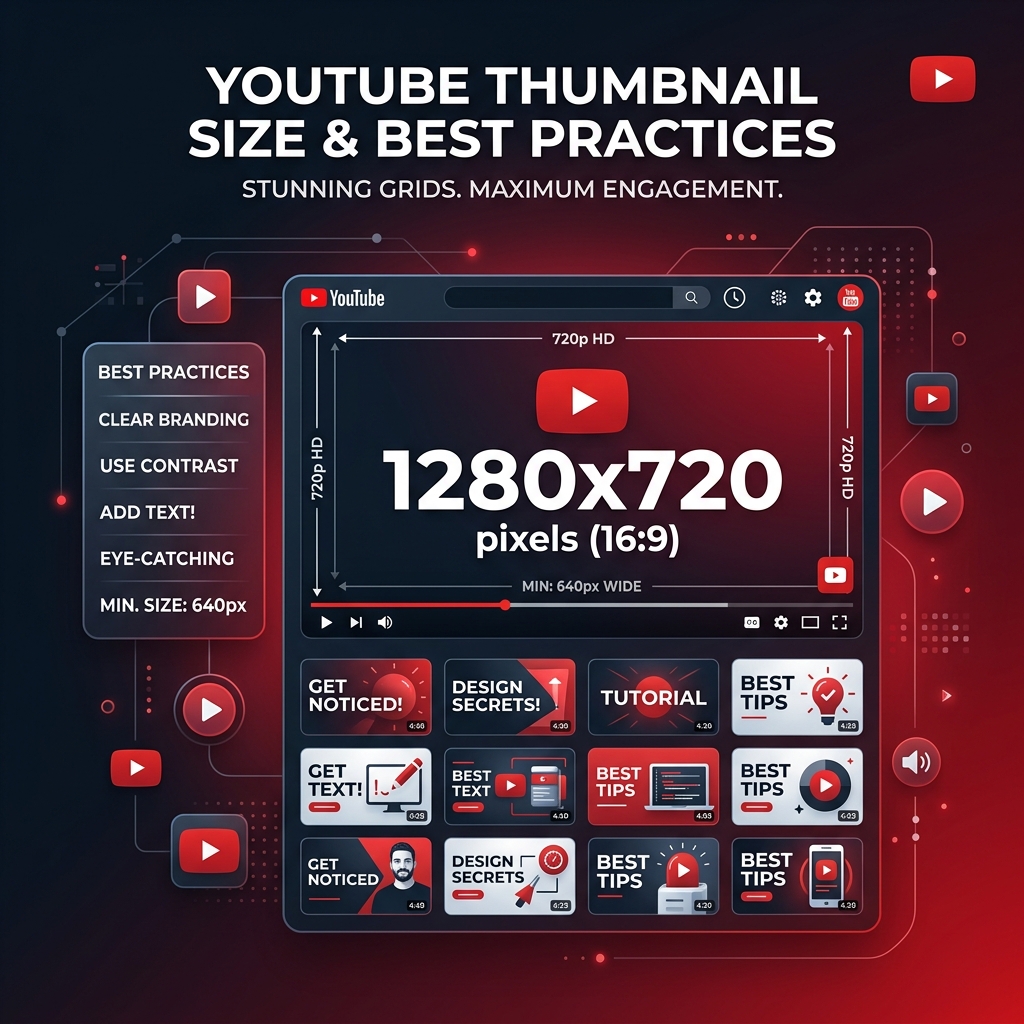
YouTube thumbnails should be exactly 1280 × 720 px (16:9), under 2 MB, in JPG or PNG format. Use high-contrast text, expressive faces, and bright colors. A compelling thumbnail can increase click-through rate by 2–3x compared to auto-generated frames.
YouTube Thumbnail Specifications
| Parameter | Requirement |
|---|---|
| Dimensions | 1280 × 720 pixels |
| Aspect Ratio | 16:9 |
| Maximum File Size | 2MB |
| Accepted Formats | JPEG, PNG, GIF, BMP |
All YouTube Image Sizes
| Image Type | Dimensions (px) | Max Size |
|---|---|---|
| Video Thumbnail | 1280 × 720 | 2MB |
| Channel Banner | 2560 × 1440 | 6MB |
| Channel Profile | 800 × 800 | — |
| Channel Watermark | 150 × 150 | 1MB |
| Community Post | 1200 × 675 | 16MB |
Channel Banner Safe Zone: Keep important content within the center 1546 × 423 px area for mobile visibility.
Design Tips That Improve CTR
1. Use complementary colors — YouTube's UI is white and red. Blue, yellow, or green backgrounds stand out more.
2. The 5-second test — View at 100×56 px. If you can't tell what it's about, redesign.
3. Emotional faces beat text — Thumbnails with expressive faces get 38% more clicks.
4. Consistent branding — Same font, style, and positioning builds channel recognition.
5. Bold, thick fonts — Thin fonts become unreadable at thumbnail size.
Common Thumbnail Mistakes
- ❌ Using auto-generated thumbnails
- ❌ Too much text (3-5 words max)
- ❌ Tiny, unreadable text
- ❌ Dark, muddy images
- ❌ Uploading at wrong dimensions
How to Resize for YouTube
- Open Social Media Sizes
- Upload your image
- Select YouTube → Thumbnail
- Download the perfectly sized thumbnail
FAQ
Q: What is the best YouTube thumbnail size? A: 1280 × 720 pixels (16:9), under 2MB, in JPEG format.
Q: Why is my thumbnail blurry? A: You likely uploaded an image smaller than 1280×720. Always upload at full resolution.
Q: JPEG or PNG for thumbnails? A: JPEG for most thumbnails. PNG only if you need pixel-perfect text sharpness.