TLKey Takeaway
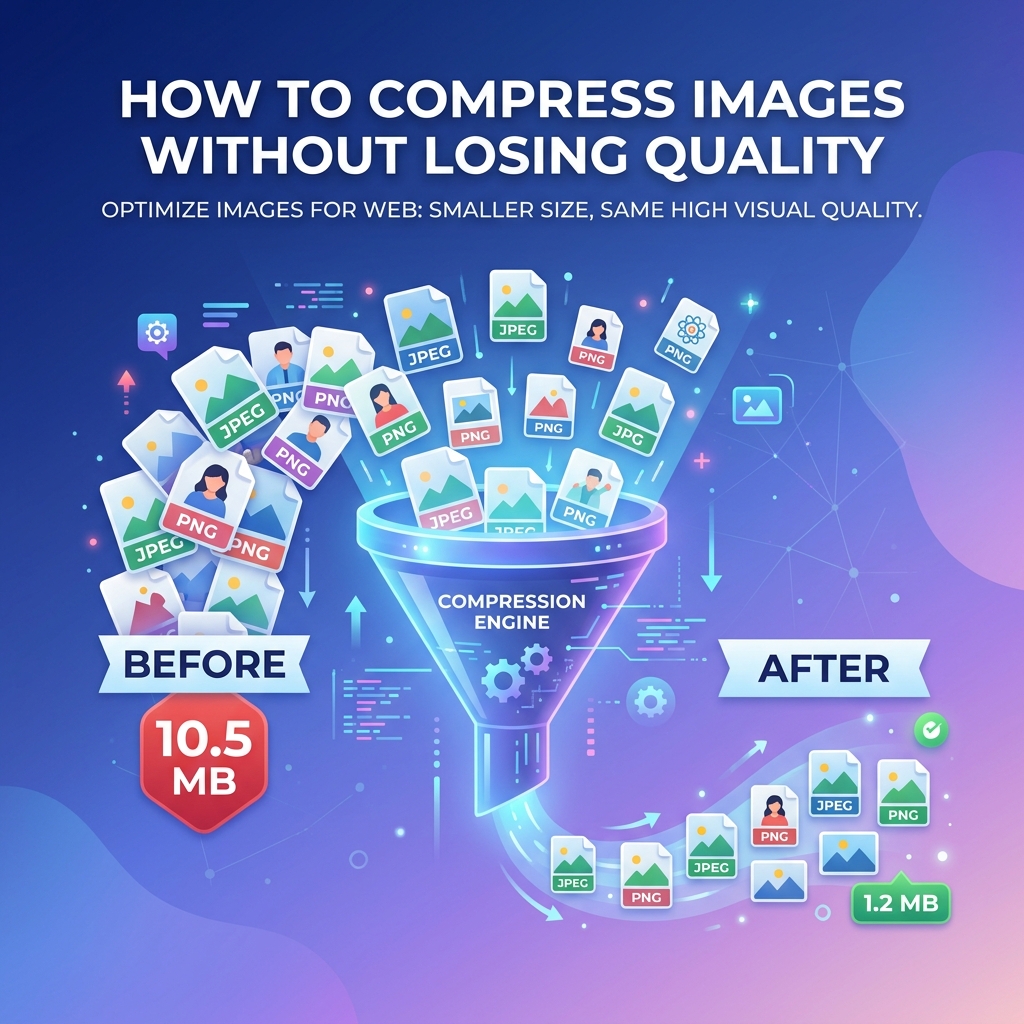
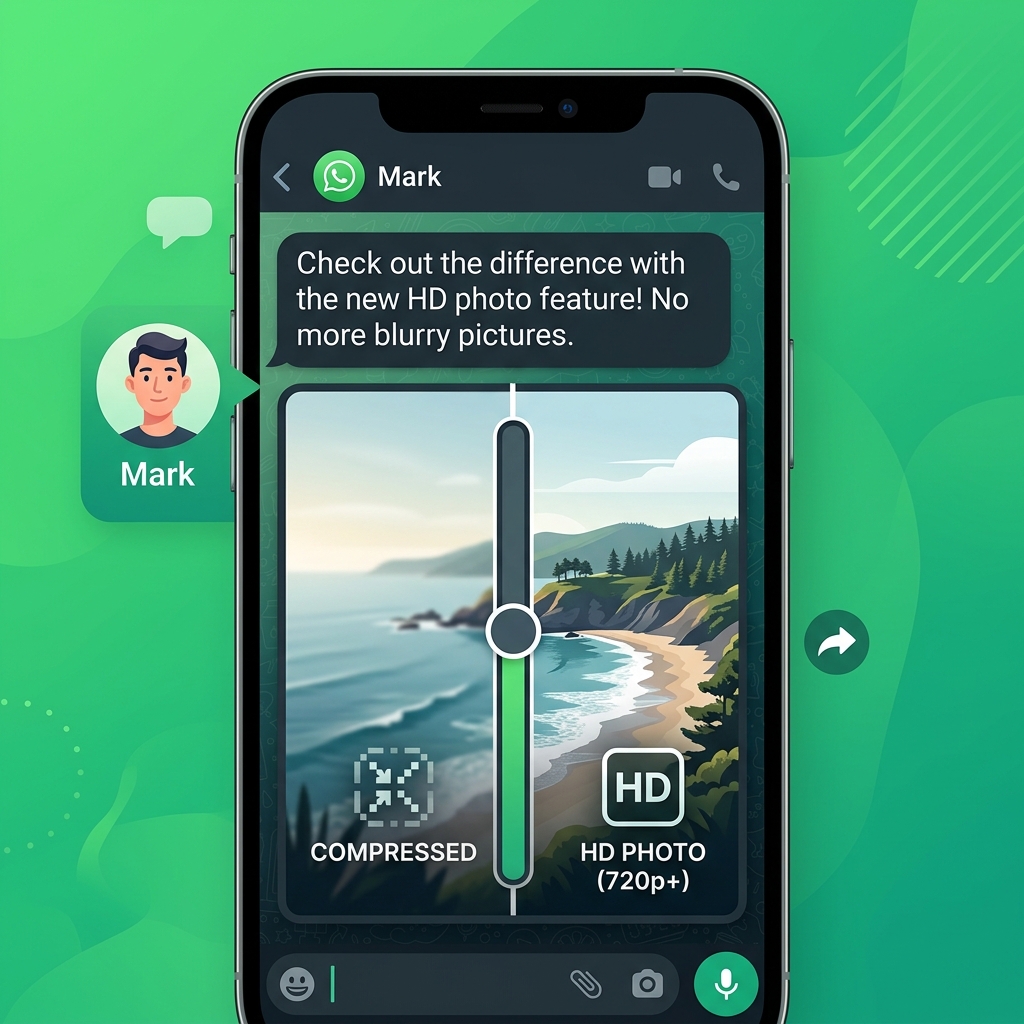
WhatsApp compresses images to approximately 100 KB by default. To send higher-quality photos, use the HD Quality toggle (available since 2023), send as a Document attachment to preserve original quality, or pre-compress to 1–2 MB at quality 85 before sending.
WhatsApp Image Compression — What Happens
| Parameter | Before Sending | After WhatsApp |
|---|---|---|
| Resolution | 4032 × 3024 px | ~1600 × 1200 px |
| File Size | 3-8 MB | 80-200 KB |
| Quality | Original | Significantly reduced |
| EXIF Data | Present | Stripped |
WhatsApp DP (Profile Photo) Size
| Parameter | Specification |
|---|---|
| Display Size | 640 × 640 px |
| Recommended Upload | 500 × 500 px minimum |
| Shape | Circular crop |
Use the Image Resizer to create a perfect 640×640 square.
How to Send HD Photos on WhatsApp
- Open a chat
- Tap the attachment icon → Gallery
- Select your photo
- Tap the HD button at the top
- Select HD Quality → Send
| Parameter | Standard | HD Quality |
|---|---|---|
| Max Resolution | ~1600 px wide | ~4096 px wide |
| File Size | 80-200 KB | 500KB - 2MB |
| Quality Loss | Significant | Minimal |
Send Uncompressed Photos
For zero compression, send as a document instead of an image:
- Tap attachment → Document
- Navigate to your photo file
- Send
The photo arrives at 100% original quality but shows as a file icon.
Optimal Image Size for WhatsApp
| Use Case | Recommended Size | Tool |
|---|---|---|
| Chat photo | 1280 × 960 px, ~300KB | Image Compressor |
| Profile photo (DP) | 640 × 640 px | Image Resizer |
| Status image | 1080 × 1920 px | Social Media Sizes |
FAQ
Q: What is the WhatsApp DP size in pixels? A: 640×640 pixels in a circular crop.
Q: Why does WhatsApp make my photos blurry? A: WhatsApp compresses images to save bandwidth. Use HD Quality option or send as document.
Q: Does WhatsApp remove EXIF data? A: Yes for photos sent as images. No if sent as documents.