TLKey Takeaway
WebP delivers the best balance of compression, quality, and feature support for web images in 2026. Use JPEG for legacy compatibility, PNG for lossless graphics, and AVIF for maximum compression. Serve multiple formats with the HTML picture element for optimal performance.
The Three Formats at a Glance
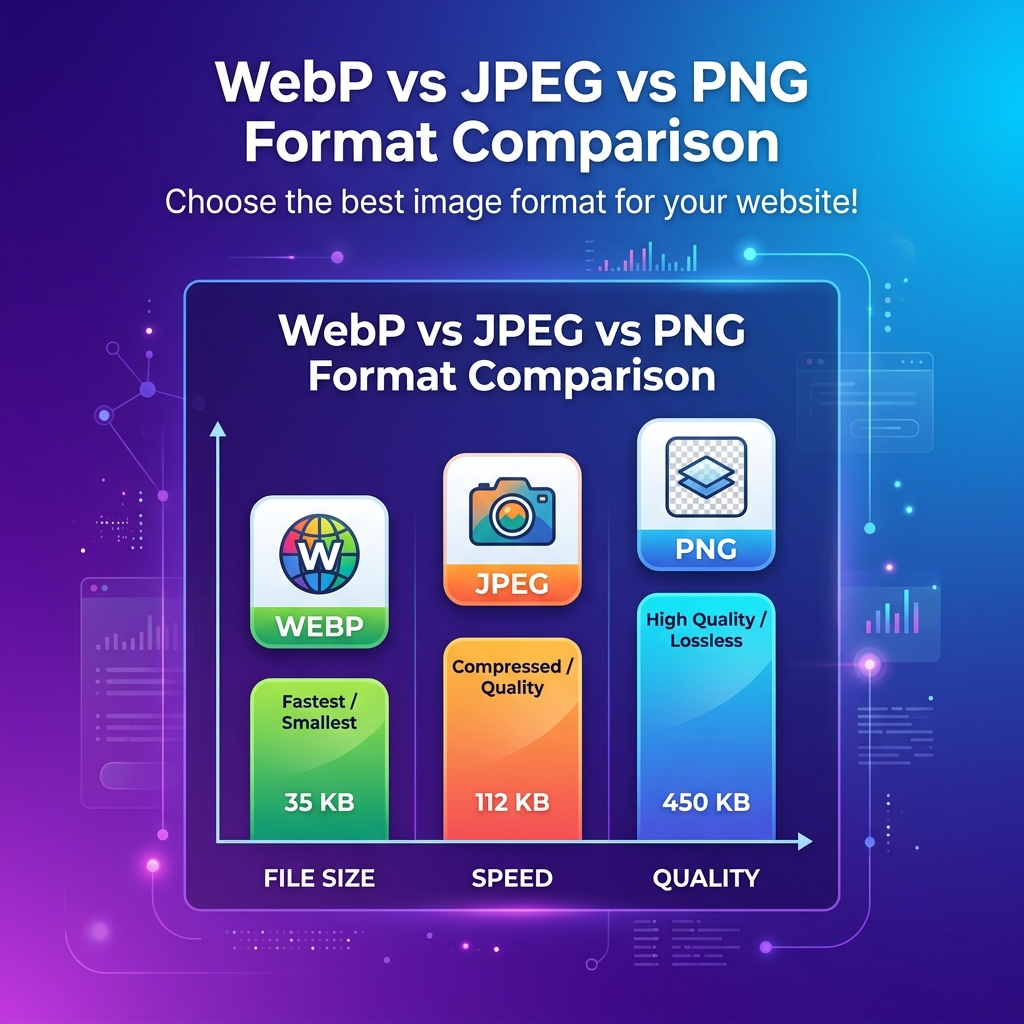
| Feature | JPEG | PNG | WebP |
|---|---|---|---|
| Year Created | 1992 | 1996 | 2010 |
| Compression | Lossy only | Lossless only | Both |
| Transparency | ❌ | ✅ | ✅ |
| Animation | ❌ | ⚠ APNG | ✅ |
| Browser Support | 100% | 100% | 97%+ |
| Photo Size (avg) | 245KB | 1.2MB | 178KB |
JPEG — The Reliable Workhorse
Best for photographs, hero images, and complex gradients. Universal compatibility. 30+ years of ecosystem maturity.
Quality sweet spot: 75-85% for web use. Quality 80 delivers excellent visual results at a fraction of original size.
PNG — The Precision Choice
Best for logos, screenshots, text overlays, and anything needing transparency. Lossless = pixel-perfect accuracy.
Pro tip: PNG-8 (256 colors) is 4-5x smaller than PNG-24 for simple graphics. Use it for icons and low-color images.
WebP — The Modern Standard
25-35% smaller than JPEG. 26% smaller than PNG. Supports both lossy and lossless, plus transparency and animation.
Browser support in 2026: 97%+ (all modern browsers).
Head-to-Head Benchmarks (200 images)
| Metric | JPEG (q80) | PNG | WebP (q80) |
|---|---|---|---|
| Avg photo size | 248KB | 1.18MB | 181KB |
| Avg screenshot | 890KB | 320KB | 237KB |
| Transparency | ❌ | ✅ | ✅ |
Winner for photos: WebP (27% smaller than JPEG). Winner for graphics: WebP Lossless (26% smaller than PNG).
Decision Tree
- Website? → WebP (JPEG fallback for old browsers)
- Email? → JPEG for photos, PNG for screenshots
- Need transparency? → WebP or PNG
- Pixel-perfect? → PNG or WebP lossless
- Social media? → JPEG (platforms recompress anyway)
- Printing? → PNG or TIFF
What About AVIF?
50% better than JPEG, 20% better than WebP — but only 92% browser support and 5-10x slower encoding. Consider for high-traffic sites where savings justify tradeoffs.
Convert Between Formats
MinifyPic's Format Converter supports all conversions: JPG→WebP, PNG→JPG, HEIC→JPG, SVG→PNG, and more.
FAQ
Q: Is WebP better than JPEG? A: For web use, yes — 25-35% smaller at equivalent quality.
Q: Should I convert my website to WebP? A: Yes. The file size reduction directly improves page speed and SEO.
Q: Which format is best for Instagram? A: JPEG. Instagram recompresses to JPEG internally anyway.