TLKey Takeaway
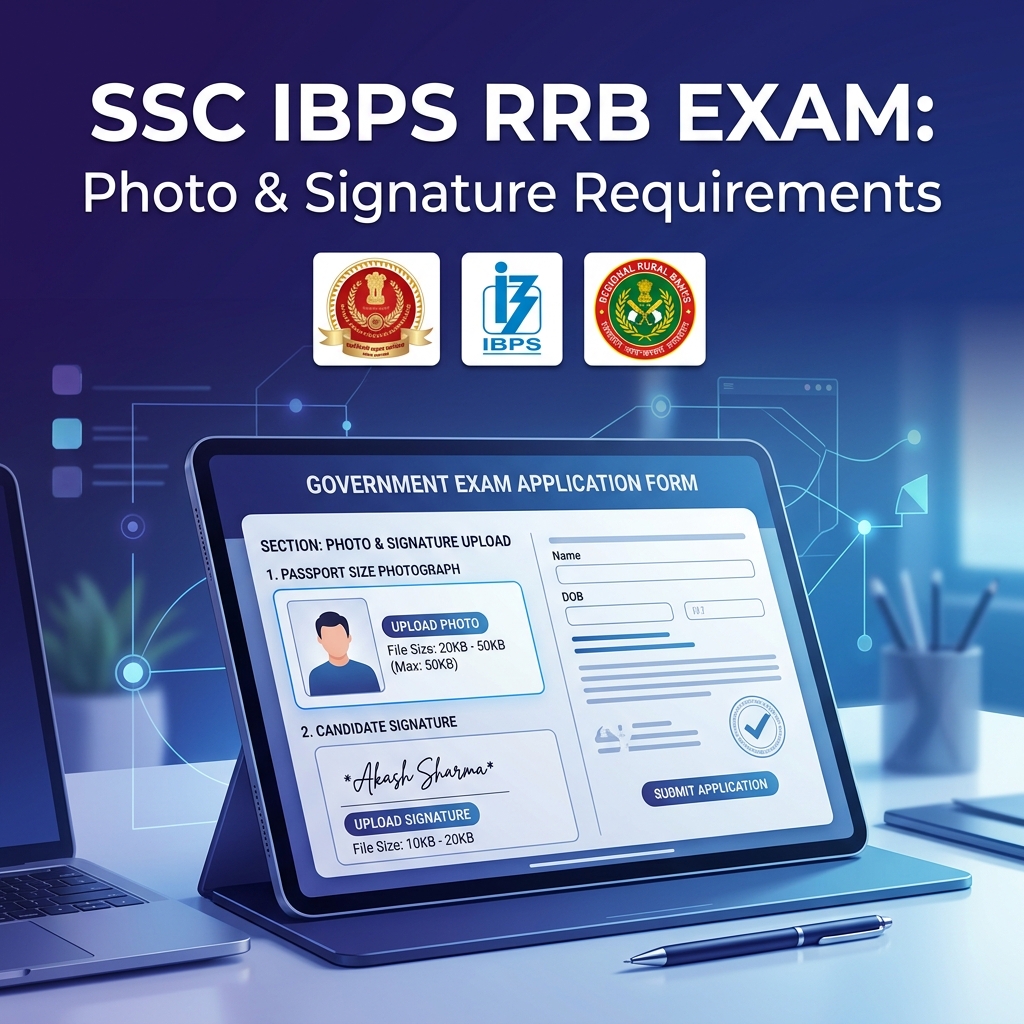
SSC, IBPS, and RRB exams typically require photos at 200 × 230 px (20–50 KB) and signatures at 140 × 60 px (10–20 KB), both in JPEG format with white backgrounds. Requirements vary by exam, so always verify the current official notification before uploading.
SSC Exam Photo Requirements
| Item | Photo | Signature |
|---|---|---|
| Dimensions | 100 × 120 px | 140 × 60 px |
| File Size | 20KB — 50KB | 10KB — 20KB |
| Format | JPEG only | JPEG only |
| Background | White | White paper |
> SSC portals are very strict. A 51KB file will be rejected. Target 40KB to be safe.
IBPS Exam Photo Requirements
| Item | Photo | Signature |
|---|---|---|
| Dimensions | 200 × 230 px | 140 × 60 px |
| File Size | 20KB — 50KB | 10KB — 20KB |
| Format | JPEG only | JPEG only |
RRB Exam Photo Requirements
| Item | Photo | Signature |
|---|---|---|
| Dimensions | 100 × 120 px | 140 × 60 px |
| File Size | 20KB — 50KB | 10KB — 20KB |
| Format | JPEG only | JPEG only |
Quick Workflow (2 Minutes)
Step 1: Take a photo against a white wall with rear camera.
Step 2: Crop and resize with Image Resizer — set exact pixel dimensions.
Step 3: Compress with Compress to Size — target 40KB.
Step 4: Verify with Image Size Finder.
Signature Preparation
- Sign on white paper with black pen
- Photograph from directly above
- Crop tightly with Image Cropper
- Resize to 140 × 60 px
- Compress to 15KB
Common Upload Errors
| Error | Fix |
|---|---|
| "File size exceeds limit" | Compress to Size targeting 40KB |
| "Invalid dimensions" | Image Resizer with exact dimensions |
| "Invalid file format" | Format Converter to JPEG |
FAQ
Q: Are SSC and IBPS photo requirements the same? A: No. SSC: 100×120 px. IBPS: 200×230 px. File size limits are the same (20-50KB).
Q: Can I do all this on my phone? A: Yes! MinifyPic works on all mobile browsers.