TLKey Takeaway
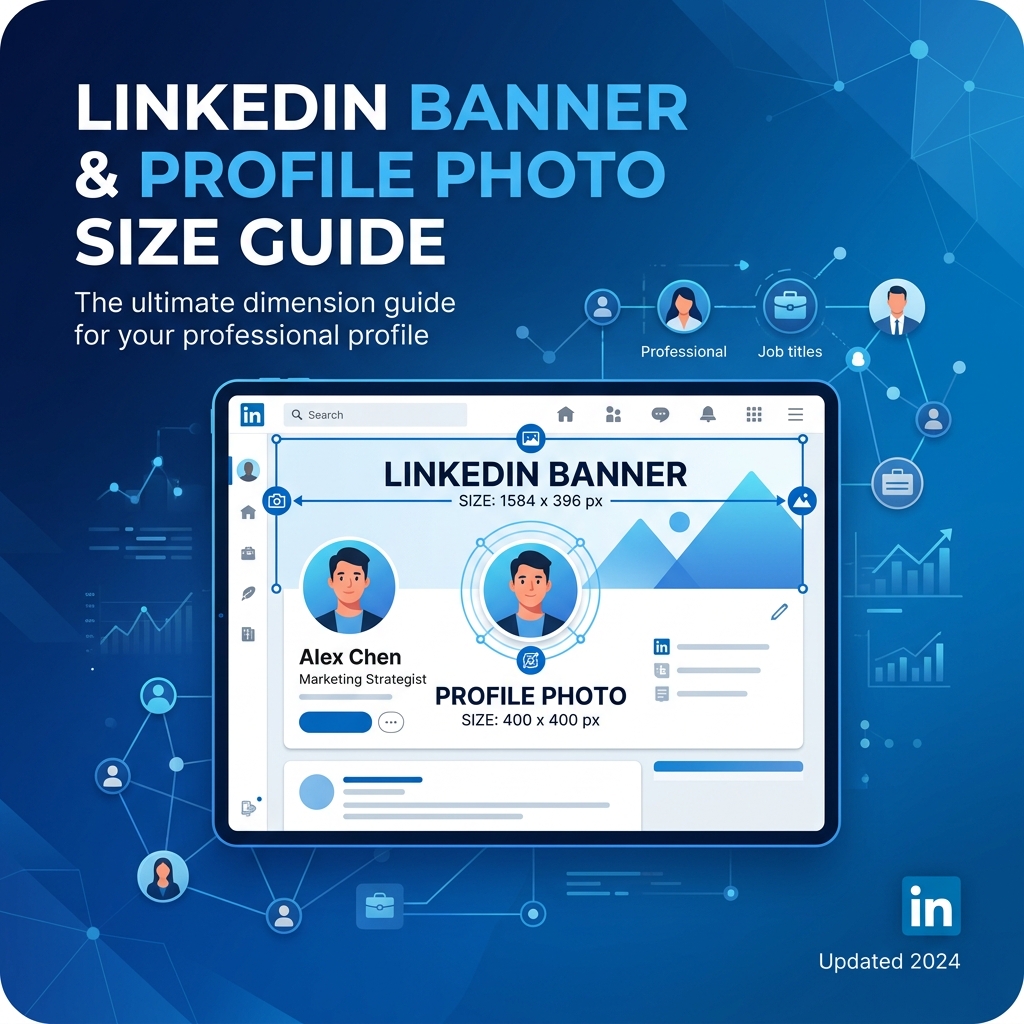
LinkedIn banner images should be 1584 × 396 px (4:1 ratio), profile photos 400 × 400 px. Keep important content centered to account for mobile cropping. Company page banners are 1128 × 191 px. All images should be under 8 MB in JPG or PNG format.
LinkedIn Profile Photo Size
| Parameter | Specification |
|---|---|
| Recommended | 800 × 800 px |
| Minimum | 400 × 400 px |
| Max File Size | 8MB |
| Shape | Circular crop |
Need to compress your profile photo? Try our Image Compressor.
LinkedIn Banner Size
| Parameter | Specification |
|---|---|
| Recommended | 1584 × 396 px |
| Aspect Ratio | 4:1 |
| Safe Zone | Center 1200 × 300 px |
| Max File Size | 8MB |
Keep important text and visuals in the right two-thirds — profile photo covers the left side.
Need to resize a photo for your banner? Use our Image Resizer.
LinkedIn Post Image Sizes
| Post Type | Dimensions | Aspect Ratio |
|---|---|---|
| Single Image | 1200 × 627 | 1.91:1 |
| Portrait Image | 1080 × 1350 | 4:5 |
| Square Image | 1080 × 1080 | 1:1 |
| Article Cover | 1200 × 644 | 1.87:1 |
| Carousel (PDF) | 1080 × 1080 | 1:1 |
> Pro tip for 2026: LinkedIn's algorithm favors portrait (4:5) images — same as Instagram. Larger vertical space increases engagement.
Company Page Sizes
| Image | Dimensions |
|---|---|
| Company Logo | 300 × 300 px |
| Company Cover | 1128 × 191 px |
| Event Cover | 1776 × 444 px |
How to Resize for LinkedIn
- Open Social Media Sizes
- Select LinkedIn → choose image type
- Dimensions are set automatically
- Download
FAQ
Q: What is the LinkedIn banner size in pixels? A: 1584 × 396 pixels with a 4:1 aspect ratio.
Q: Does LinkedIn compress uploaded images? A: Yes. Upload at recommended dimensions in JPEG at quality 85-90% for best results.
Q: What format is best for LinkedIn? A: JPEG for photographs. PNG for images with text or logos.