TLKey Takeaway
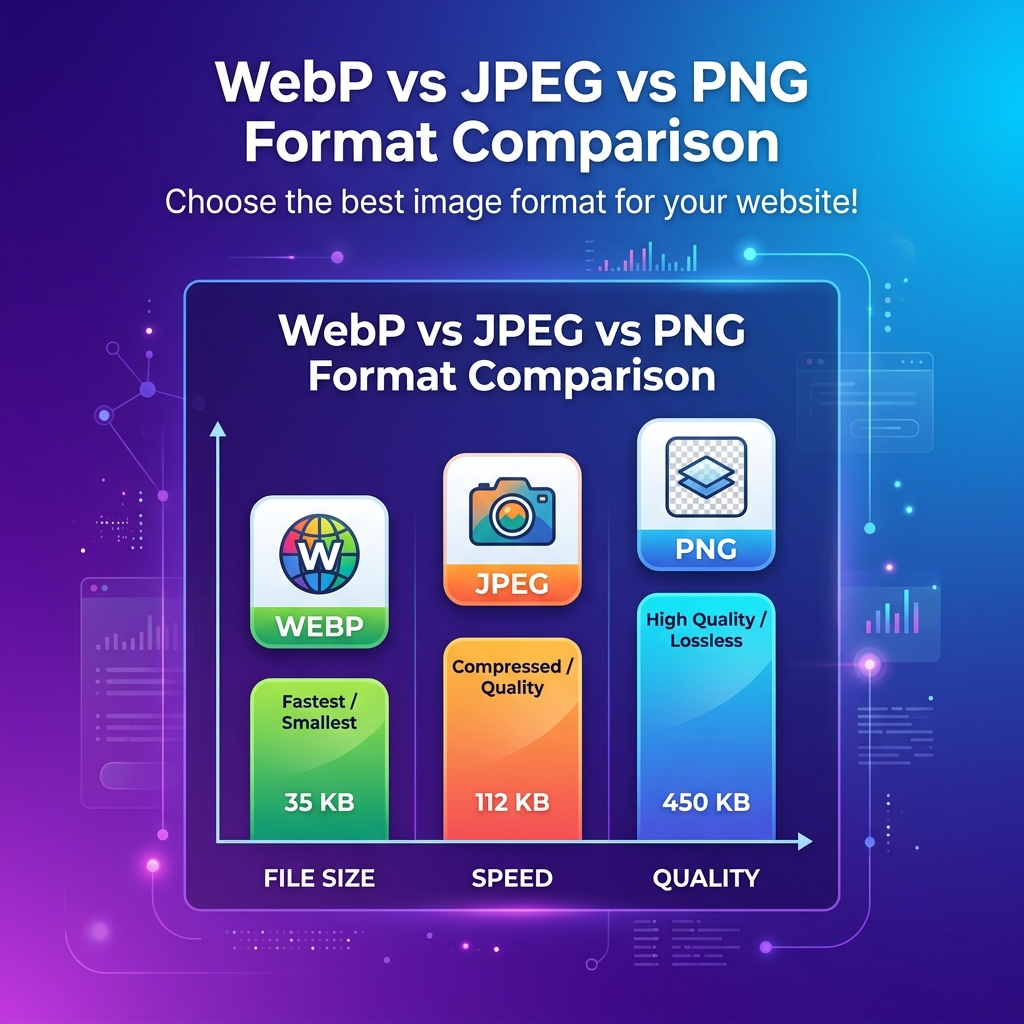
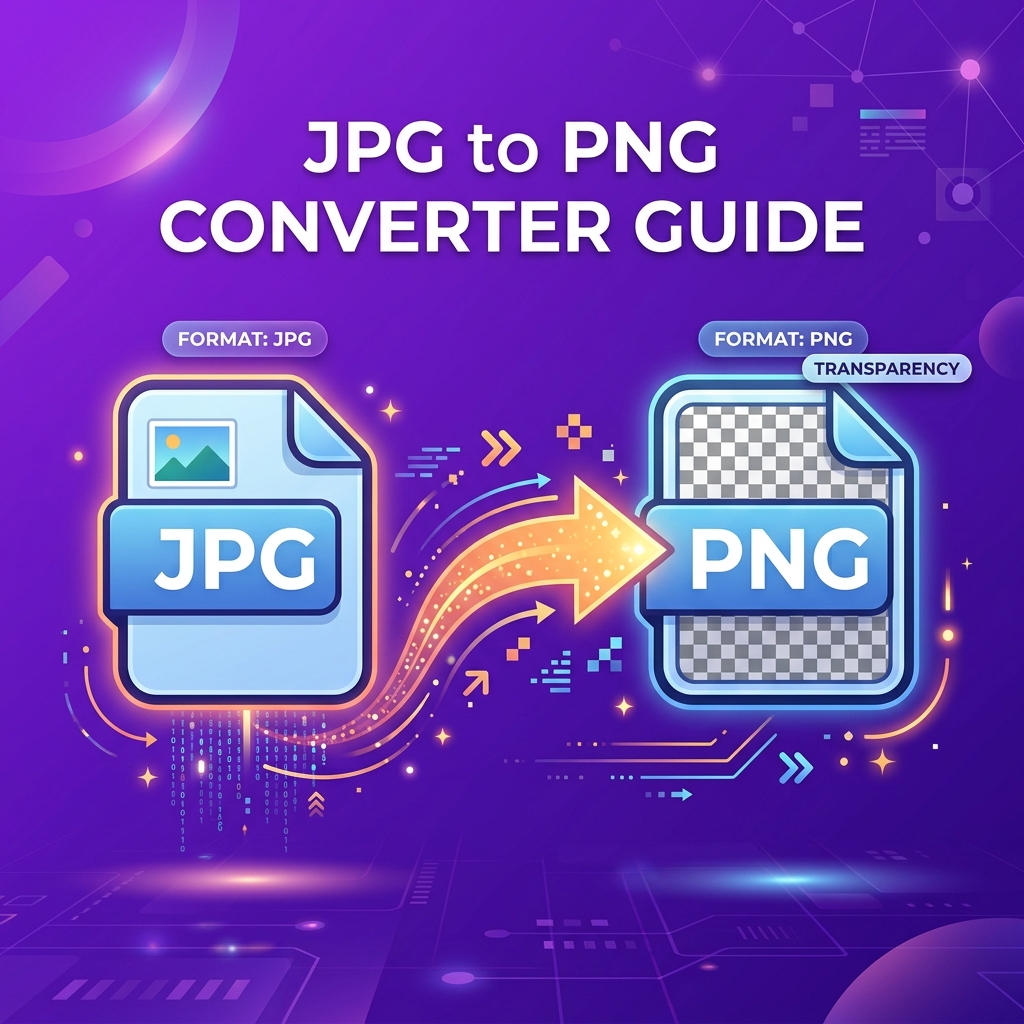
Convert JPG to PNG when you need transparency, sharp text, or pixel-perfect quality for logos and graphics. Convert PNG to JPG when you need smaller file sizes for photographs. WebP is often the best alternative for both, offering smaller files with transparency support.
JPG vs PNG — Key Differences
| Feature | JPG (JPEG) | PNG |
|---|---|---|
| Compression | Lossy | Lossless |
| File Size (photos) | Small | Large (4-10x) |
| Transparency | ❌ | ✅ Full alpha |
| Best For | Photos, gradients | Logos, screenshots, text |
| Quality Loss | Yes, on each save | None |
When to Convert JPG to PNG
✅ You need transparency ✅ You're creating screenshots with text ✅ You need lossless editing (multiple re-saves) ✅ The image has few colors (logos, icons)
When NOT to Convert
❌ Photographs for web use (file bloat, zero benefit) ❌ Social media uploads (platforms recompress to JPG) ❌ Email attachments (larger files) ❌ "Quality improvement" — converting JPG to PNG does NOT restore lost quality
> Common misconception: PNG doesn't improve a compressed JPG. The artifacts are baked into the pixel data.
How to Convert JPG to PNG
- Open minifypic.com/jpg-to-png
- Drag and drop your JPG files (batch up to 20)
- Click Convert
- Download individual PNGs or all as ZIP
FAQ
Q: Does converting JPG to PNG improve quality? A: No. It preserves current quality but cannot restore what JPG compression removed.
Q: Why is my PNG file so much larger? A: PNG uses lossless compression. For photos, this results in 3-10x larger files.
Q: Should I use PNG or JPG for my website? A: JPG for photographs. PNG for logos and screenshots. Or WebP for both.