TLKey Takeaway
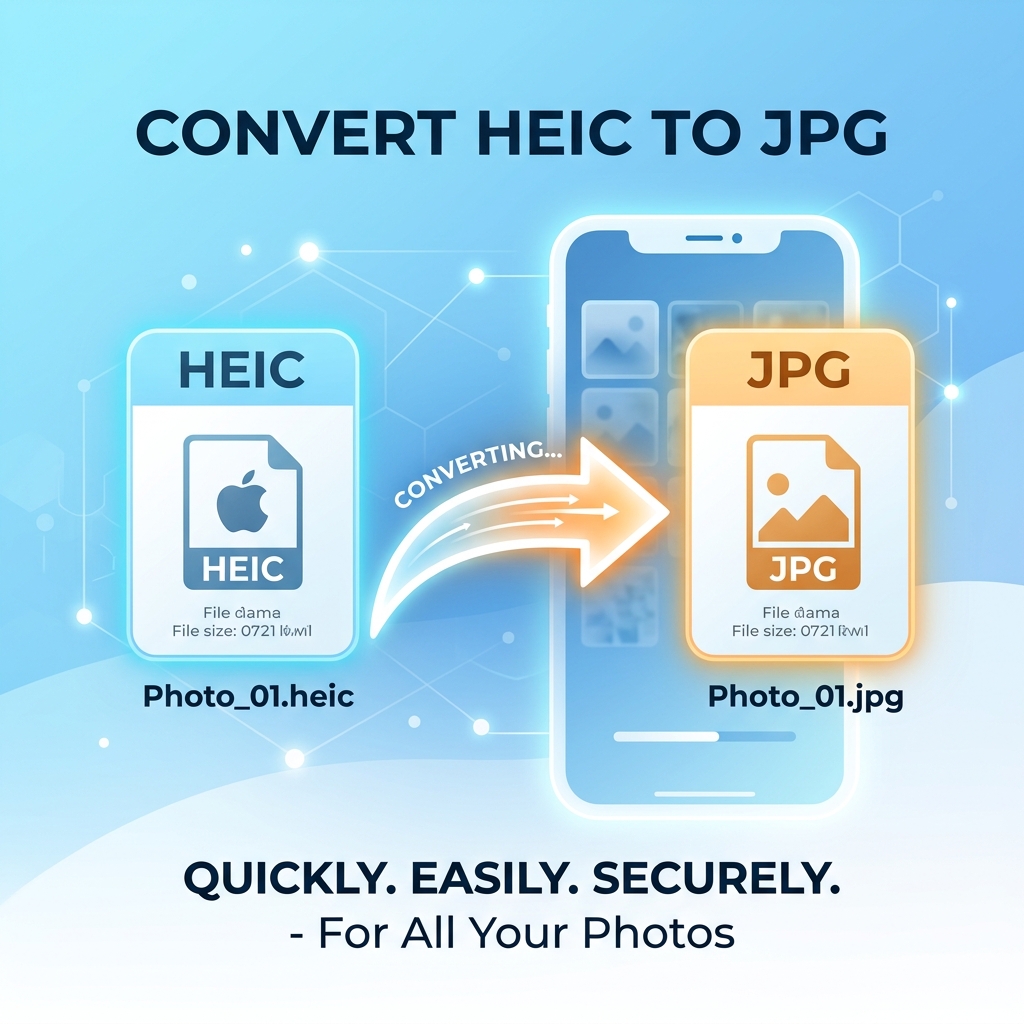
HEIC is Apple’s default photo format since iOS 11 — it is 50% smaller than JPEG but has limited compatibility outside Apple devices. Convert HEIC to JPG or WebP using a browser-based tool like MinifyPic, which processes files locally without uploading them.
What Is HEIC and Why Does Apple Use It?
HEIC (High Efficiency Image Container) uses the HEVC codec to store images at roughly half the file size of JPEG at equivalent quality. Apple adopted it in 2017, but compatibility outside the Apple ecosystem is limited.
HEIC vs JPEG — Quick Comparison
| Feature | HEIC | JPEG |
|---|---|---|
| File Size | 40-50% smaller | Standard |
| Quality | Superior at same file size | Good |
| Windows Support | ⚠ Requires codec | ✅ Native |
| Android Support | ⚠ Limited | ✅ Native |
| Web Browser Support | ⚠ Safari only | ✅ Universal |
| Social Media | ❌ Most don't accept | ✅ All accept |
How to Convert HEIC to JPG Online — Step by Step
- Open the tool: Go to minifypic.com/heic-to-jpg
- Upload HEIC files: Drag and drop up to 20 files at once
- Select output format: Choose JPG, adjust quality (80-90% recommended)
- Convert: Happens instantly in your browser
- Download: Individually or as a ZIP file
No upload — processed locally. No software — works in any browser. No limits — convert as many as you want.
How to Stop iPhone from Saving as HEIC
- Open Settings → Camera → Formats
- Select Most Compatible
This forces JPEG — but photos take up ~2x storage.
Common Problems and Fixes
"I can't open HEIC on Windows" — Install "HEIF Image Extensions" from the Microsoft Store, or use an online converter for quick one-off conversions.
"Photos look rotated after conversion" — Some converters ignore orientation metadata. MinifyPic reads and applies it correctly.
"The converted JPG is much larger" — JPEG is inherently larger than HEIC. Convert at quality 80-85% for manageable sizes.
FAQ
Q: Does converting HEIC to JPG lose quality? A: Minimal quality loss at JPEG quality 85-95%. Visually identical to the original.
Q: Can I convert HEIC to PNG instead? A: Yes! MinifyPic supports conversion from HEIC to PNG, JPEG, and WebP.
Q: Does this work on Android phones? A: Yes, in any modern mobile browser including Chrome on Android.