TLKey Takeaway
Most email providers limit attachments to 25 MB total. To compress photos for email, resize to 1920 px on the long edge, use JPEG quality 80, and strip EXIF metadata. This typically reduces a 5–10 MB photo to 200–500 KB with minimal visible quality loss.
Email Attachment Size Limits
| Provider | Limit |
|---|---|
| Gmail | 25MB total |
| Outlook | 20MB total |
| Yahoo Mail | 25MB total |
| Apple iCloud | 20MB total |
| Corporate Exchange | 10-25MB (IT-set) |
> These are total limits. 5 photos × 4MB each = 20MB = potentially over limit.
How to Compress for Email
Quick Method
- Open minifypic.com/compressor
- Upload photos (up to 20)
- Set quality to 80%
- Download all as ZIP
Precise Method
- Open Compress to Size
- Set target: 500KB per photo
- Download precisely sized photos
Optimal Settings
| Scenario | Resolution | Target Size | Quality |
|---|---|---|---|
| Quick share | 1600 × 1200 px | 300-500KB | 75-80% |
| Client deliverables | 2000 × 1500 px | 500KB-1MB | 85% |
| Print-quality | Original | 1-3MB | 90% |
| Document scans | 1200 × 1600 px | 200-400KB | 80% |
The Secret: Resize + Compress
Most people only compress. But resizing first is the game-changer:
- 4000×3000 at 80% quality = ~800KB
- 1600×1200 at 80% quality = ~250KB
Same visual impact. 70% smaller.
Workflow: Resize with Image Resizer → Compress with Image Compressor
Common Mistakes
- ❌ Sending original 5-12MB camera files
- ❌ Not resizing (compression alone can only do so much)
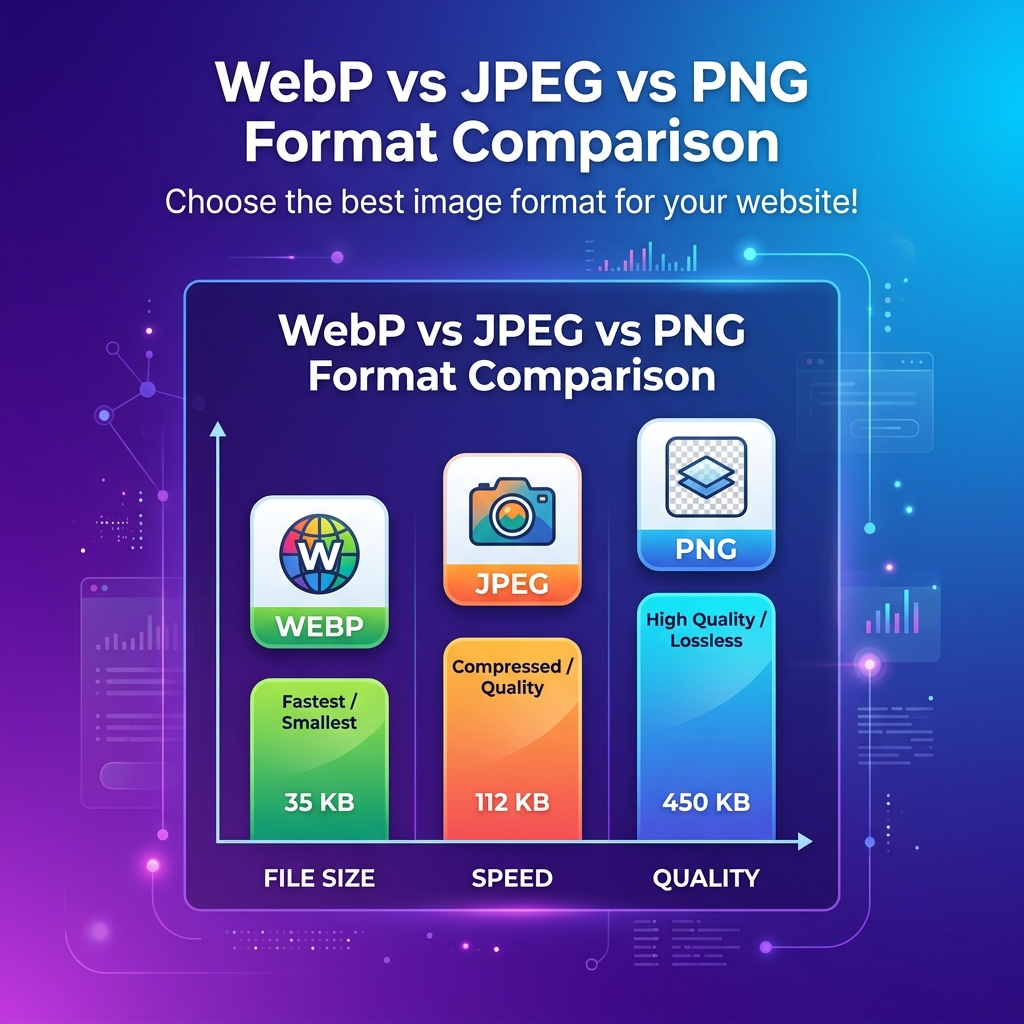
- ❌ Using PNG for photos (4x larger, zero benefit)
- ❌ Compressing to 10KB (too aggressive, looks terrible)
- ❌ Not stripping EXIF metadata (adds 10-50KB + GPS location)
FAQ
Q: What's the best size for emailing photos? A: 1600×1200 at JPEG quality 80% = 300-500KB per photo.
Q: How do I compress multiple photos at once? A: Upload up to 20 photos to Image Compressor, download all as ZIP.
Q: What is Gmail's limit? A: 25MB total for all attachments combined.
Q: Should I send JPEG or PNG? A: JPEG for photos. PNG only for screenshots or images with text.