TLKey Takeaway
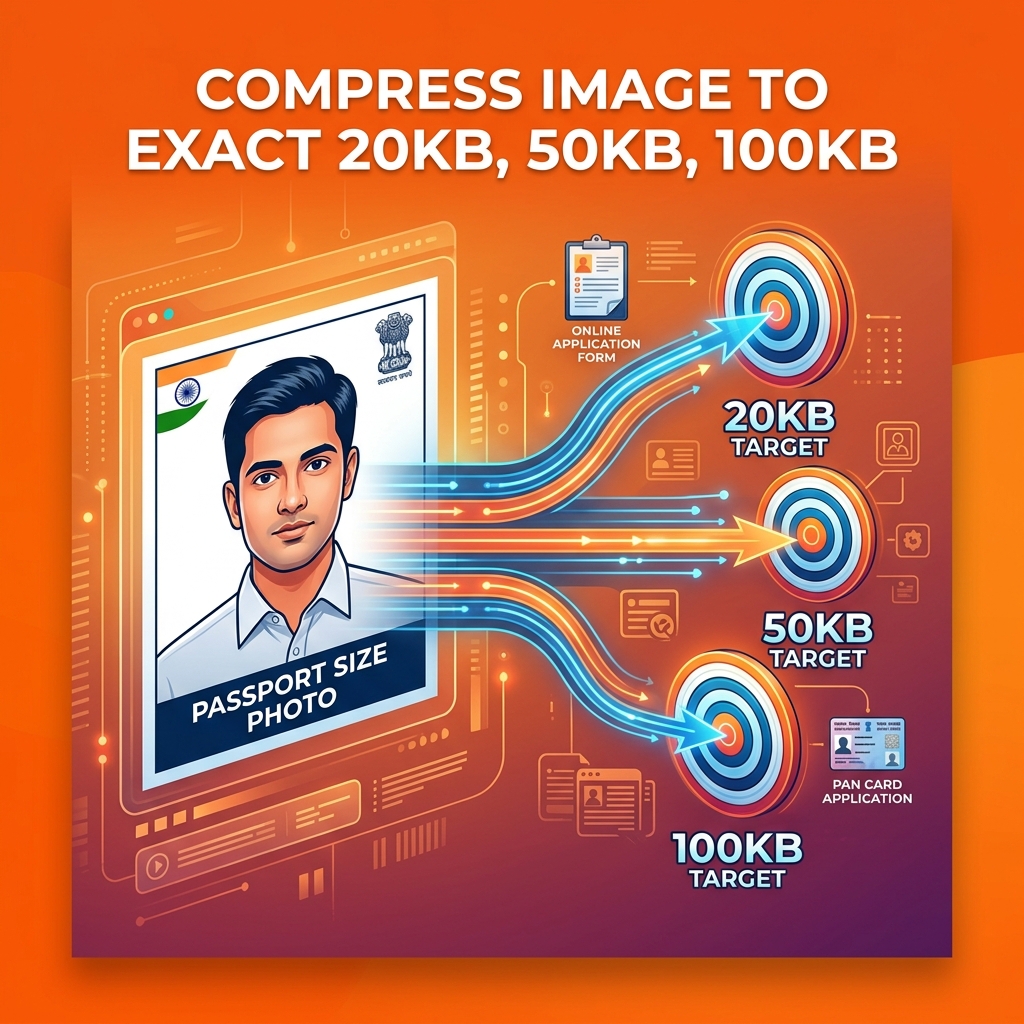
To hit an exact file size target (20KB, 50KB, or 100KB), use MinifyPic’s Compress to Size tool. It iteratively adjusts quality until the output matches your target. For manual control, start at quality 80 and lower in increments of 5 until you reach the desired size.
Why Exact File Size Compression Matters
Most image compressors let you reduce quality — but they don't guarantee a specific output size. That's a problem when you need exactly 20KB or 50KB for a government portal.
Here's what happens with a regular compressor:
- Compress at 60% quality → get 143KB. Still too large.
- Try 30% quality → get 38KB. Still not right.
- Try 20% quality → get 22KB. Looks terrible.
What you need is a tool that targets a specific file size and automatically adjusts quality to hit it.
Common File Size Requirements in India
| Application / Form | Photo Size Limit | Dimensions | Format |
|---|---|---|---|
| Passport Seva (MEA) | 10KB — 300KB | 350×350 px | JPEG |
| SSC (CHSL, CGL, MTS) | 20KB — 50KB | 100×120 px | JPEG |
| UPSC (CSE, CAPF) | 20KB — 300KB | 150×200 px | JPEG |
| IBPS (PO, Clerk, SO) | 20KB — 50KB | 200×230 px | JPEG |
| RRB (NTPC, Group D) | 20KB — 50KB | 100×120 px | JPEG |
| PAN Card Application | 20KB — 50KB | 120×150 px | JPEG |
| University Applications | 50KB — 200KB | Varies | JPEG |
> Pro tip: Most Indian government portals accept JPEG format only. If your photo is PNG, convert it first.
How to Compress Image to Exact KB — Step by Step
Step 1: Open the Tool
Go to minifypic.com/compress-to-size. No signup needed.
Step 2: Upload Your Photo
Drag and drop your image, or tap "Select Image." Supports JPEG, PNG, and WebP.
Step 3: Choose Your Target Size
Quick presets available:
- 20KB — SSC, IBPS, PAN Card
- 50KB — General government forms
- 100KB — University, general use
- 200KB — Higher quality needs
Step 4: Compress
The tool automatically adjusts quality iteratively to hit your target — within ±2KB accuracy.
Step 5: Download
Preview and download. Your photo is ready to upload.
Tips for Best Quality at Small File Sizes
1. Resize before compressing — A 4000×3000px image compressed to 50KB will look terrible. A 200×250px image at 50KB will look sharp.
2. Use JPEG format — JPEG compresses much more efficiently than PNG for photos.
3. Crop unnecessary areas — Tight cropping removes wasted pixels.
4. Remove metadata first — EXIF data can add 10-50KB to your file.
5. Use a plain background — Solid backgrounds compress dramatically better.
Common Mistakes to Avoid
- ❌ Compressing without resizing first
- ❌ Using PNG for photos
- ❌ Using random online tools that upload your photo to servers
- ❌ Not checking dimensions alongside file size
- ❌ Over-compressing when it's unnecessary
FAQ
Q: Can I compress an image to exactly 20KB? A: Yes. MinifyPic's Compress to Size tool hits your target within ±2KB.
Q: Will the compressed image look bad? A: If you resize to correct dimensions first, the quality at 50KB will be perfectly acceptable.
Q: Does this work on mobile phones? A: Yes! Works in any modern mobile browser — no app needed.
Q: Are my photos safe? A: Yes. Everything processes in your browser. Your photo never leaves your device.